System Overview
Introduction
The User Management System is a comprehensive access control solution that enables organizations to manage user identities, organize them into groups, define roles with specific permissions, and extend visibility through permission scopes. This documentation covers all four interconnected modules of the system.
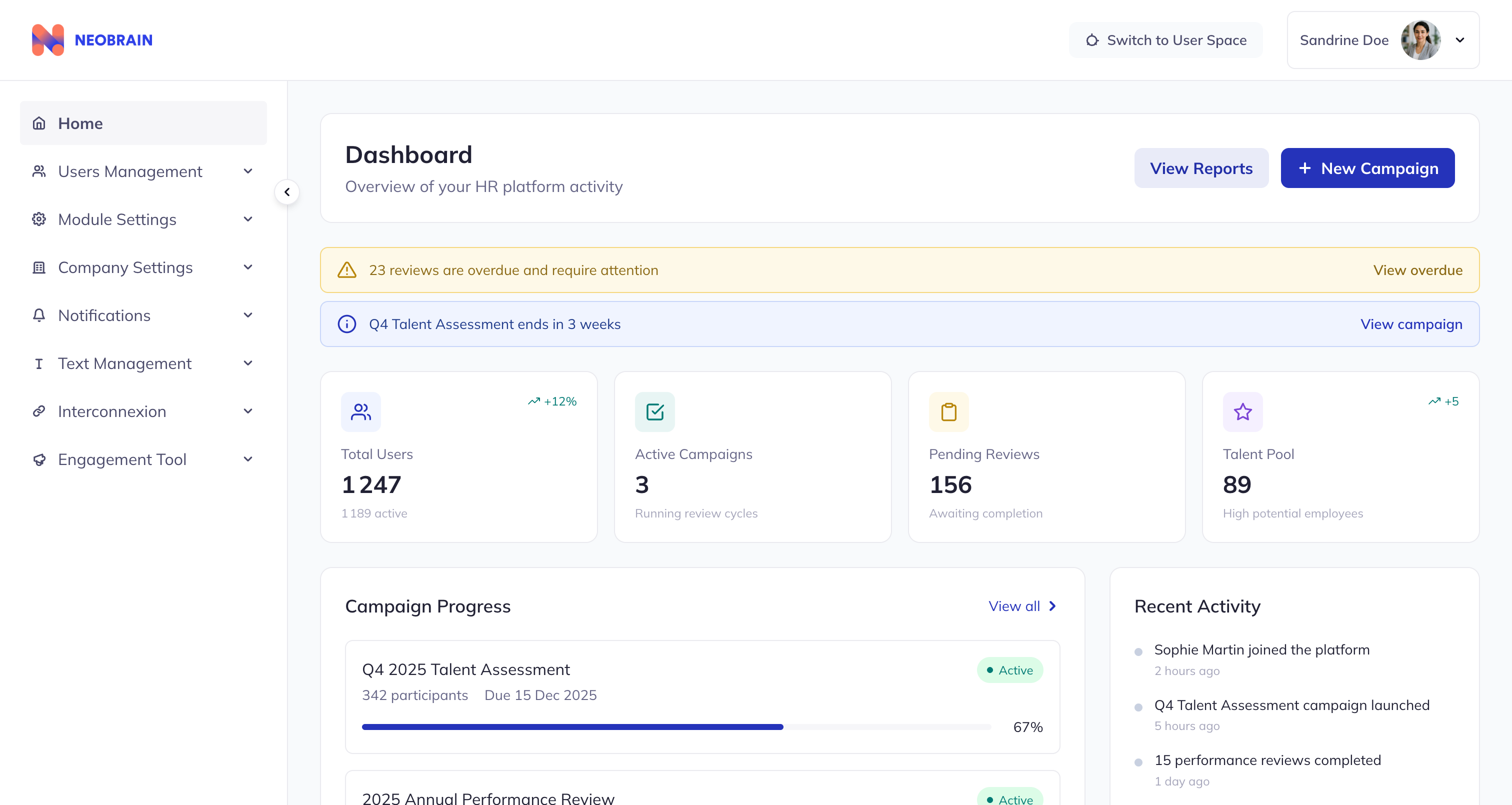 Dashboard providing an overview of HR platform activity
The Four Modules
| Module | Purpose | Key Function |
|---|---|---|
| Users | Individual user profiles | Identity and profile management |
| User Groups | Organizational groupings | Bulk user management with dynamic rules |
| Roles | Permission containers | Access control definition |
| Permission Scopes | Visibility populations | Permission reach extension |
System Architecture
┌─────────────────────────────────────────────────────────────────┐
│                     Access Control Flow                          │
├─────────────────────────────────────────────────────────────────┤
│                                                                  │
│   USERS ──────► USER GROUPS ──────► ROLES                       │
│     │                │                  │                        │
│     │                │                  ▼                        │
│     │                │           PERMISSIONS                     │
│     │                │                  │                        │
│     │                ▼                  ▼                        │
│     └──────► DYNAMIC RULES ──► PERMISSION SCOPES                │
│                                  (Extends visibility)            │
│                                                                  │
└─────────────────────────────────────────────────────────────────┘
Module Relationships
How Modules Connect
┌──────────────────┐        ┌──────────────────┐
│     USERS        │◄──────►│   USER GROUPS    │
│  (individuals)   │        │ (collections)    │
└────────┬─────────┘        └────────┬─────────┘
         │                           │
         │    assigned to            │ can have
         │                           │
         ▼                           ▼
┌──────────────────┐        ┌──────────────────┐
│      ROLES       │◄──────►│ PERMISSION       │
│ (permission sets)│        │   SCOPES         │
│                  │        │ (visibility)     │
└──────────────────┘        └──────────────────┘
Data Flow
- Users are members of User Groups (manually or dynamically)
- User Groups have associated Roles
- Roles contain Permissions organized by category
- Permissions can be extended with Permission Scopes
- Permission Scopes define which users are visible to the permission holder
Key Features by Module
Users Module
- View and manage individual user profiles
- Track user status (Active/Inactive)
- Maintain manager hierarchy for N-1 scope
- Store professional information (job title, department, location)
- Track last synchronization date with external systems
User Groups Module
- Create and manage user collections
- Three membership methods: Manual, Dynamic, Group
- Dynamic rules: Automatic membership based on user attributes
- Role assignment to groups
- Search, filter, sort, and pagination
- Bulk operations (export, delete)
Roles Module
- 20+ permission categories covering all system functions
- 100+ individual permissions for granular control
- Permission activation/deactivation per role
- Scope assignment per permission
- Population tab showing role members
- Bulk permission operations
Permission Scopes Module
- Define visibility populations beyond N-1 hierarchy
- Extend permission reach to specific user groups
- Multiple population methods (Manual, Dynamic, Group)
- Link scopes to role permissions
- Search and filter capabilities
Common Use Cases
| Use Case | Modules Involved | Description |
|---|---|---|
| New employee onboarding | Users, User Groups | Create profile, add to department group |
| Manager promotion | Users, User Groups, Roles | Update profile, add to manager group with Team Lead role |
| Department transfer | Users, User Groups | Update location, dynamic rules update group membership |
| HR access expansion | Roles, Permission Scopes | Add Engineering scope to HR role's "Read user" permission |
| Cross-functional project | User Groups | Create project group with members from multiple departments |
Technical Stack
| Component | Technology |
|---|---|
| Frontend | React 19, TypeScript |
| Styling | Tailwind CSS 3 |
| Build Tool | Vite |
| Design System | Neobrain Design System |
Navigation
- Next: Core Concepts
- Back to: Documentation Index